How it works

Payments Simplified.

For Africa.

Accept payments directly on your smartphone — secure, simple, and built for African businesses.

Bank-Grade Security

End-t-end Encryption

Instant Payments

Real-time authorizations

Higher Success Rates

Powered by smart routing

Built for Africa

Local. Reliable. Scalable.

1

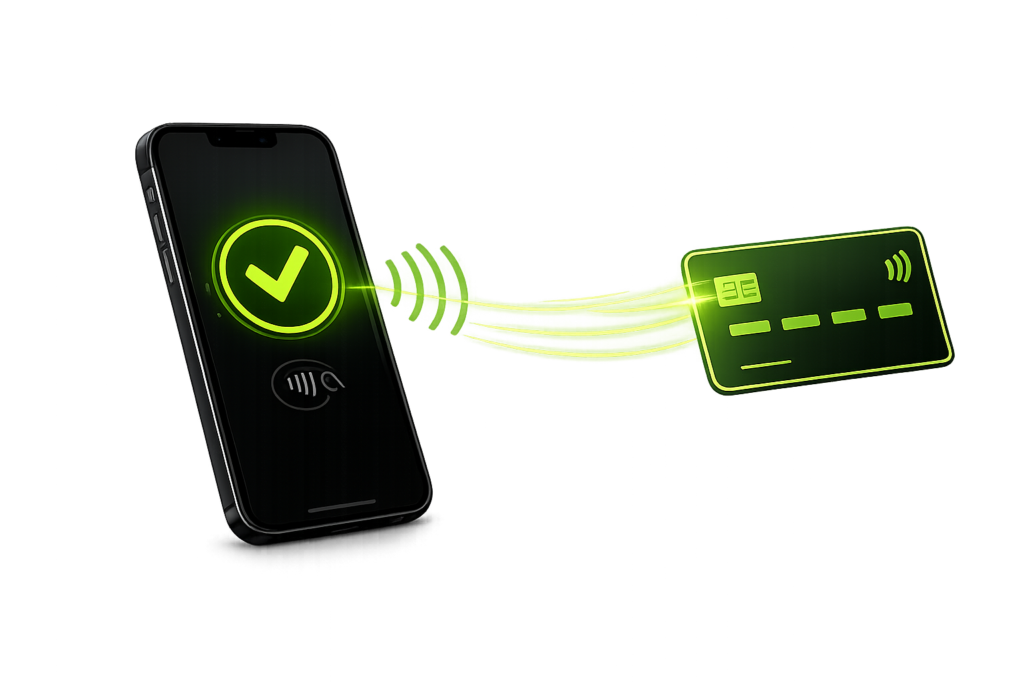
Tape to Pay

Customer taps their card or device on your phone

2

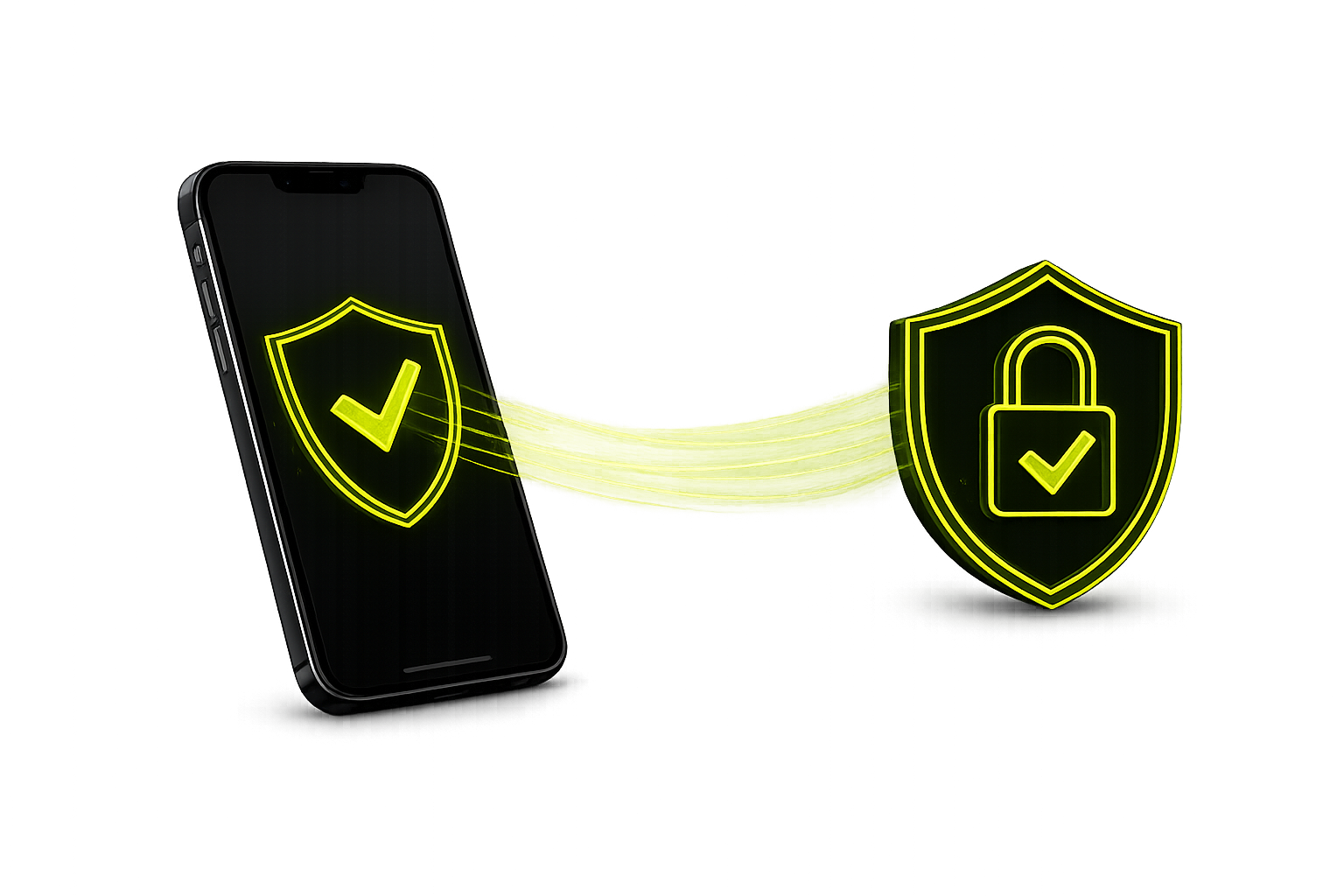
Secure Connection

Encrypted transaction is sent securely via Atlaspay

3

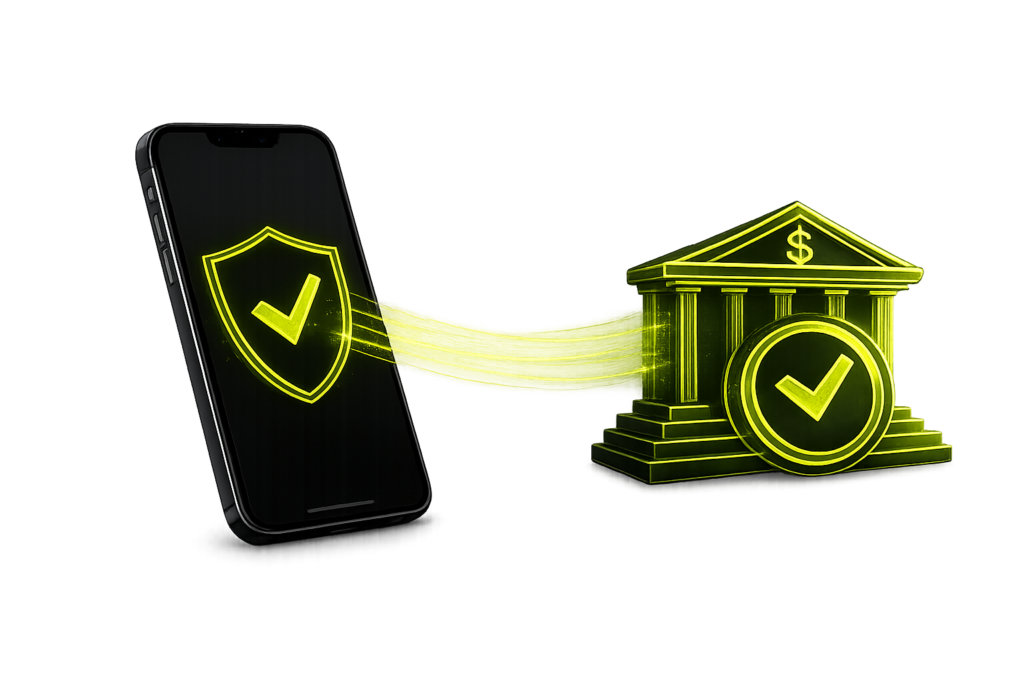
Bank Approval

The transaction is verified by the customer’s bank

4

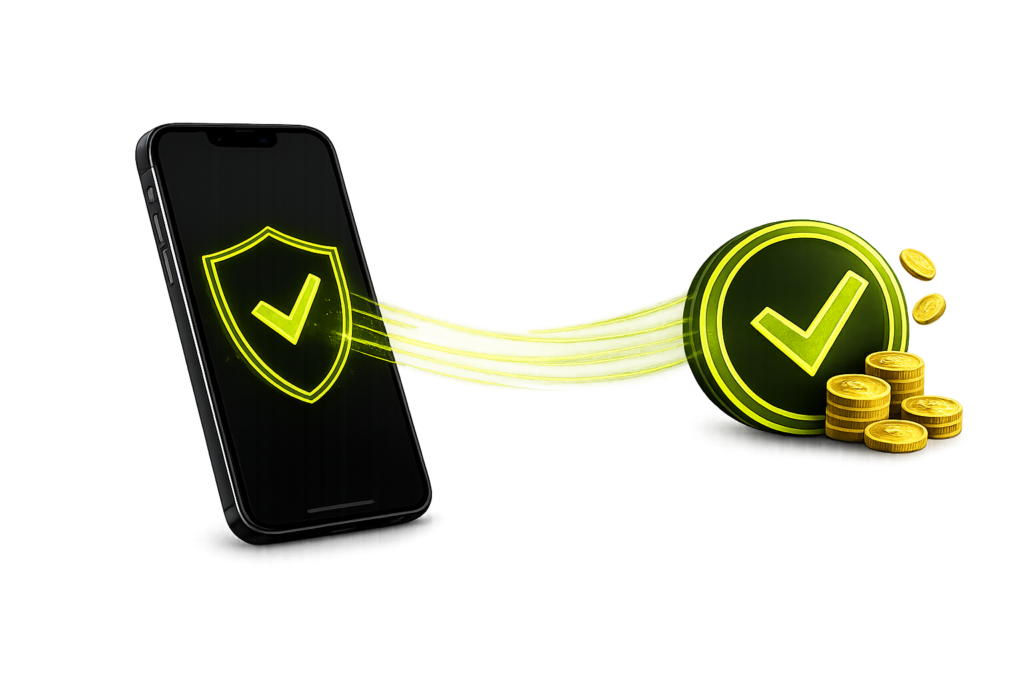
Payment Successful

You receive instant confirmation and setlement

Start accepting payments in minutes

Built for speed, security, and scale — AtlasPay simplifies how businesses accept payments

1. Sign Up

Create your AtlasPay account and submit your business details.

2. Get Approved

Our team reviews your request and helps you complete onboarding.

3. Accept Payments

Use your Android device to accept secure contactless payments.

A guided onboarding experience

Submit your request and our team will guide you through eligibility, onboarding, setup, and payment readiness.

AtlasPay onboarding

A guided onboarding experience

Submit your request and our team will guide you through eligibility, onboarding, setup, and payment readiness.

↗
STEP 01

Submit your request

Share your business details so we can review your eligibility.

â—Ž
STEP 02

Onboarding session

Our team walks you through the setup and activation process.

âš™
STEP 03

Configure payments

We help prepare your payment environment for acceptance.

âś“
STEP 04

Go live

Start accepting tap-to-pay transactions with confidence.
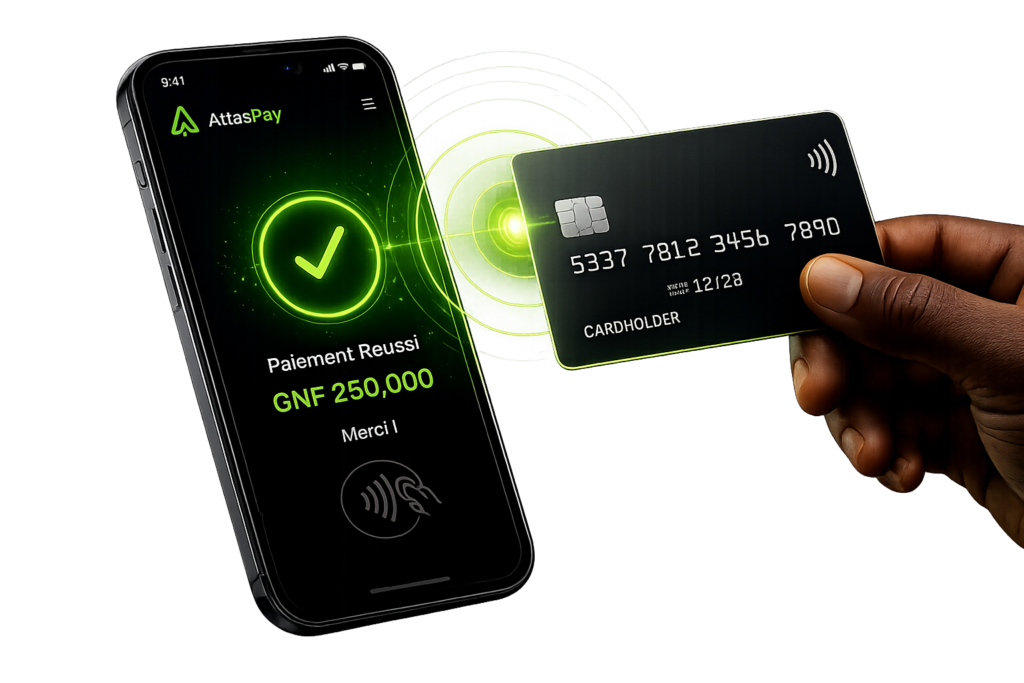
From customer tap to completed payment

Customer taps

Tap a contactless card or mobile wallet on the device.

Payment secured

AtlasPay securely captures and protects the transaction data.

Transaction processed

The payment is routed for authorization and processed in real time.

Confirmation received

The merchant gets instant confirmation when the payment is complete.

AtlasPay onboarding

What you need to get started

Launch tap-to-pay acceptance with a simple, guided setup process.

01
📱

Prepare device

Use a compatible Android smartphone with NFC support.

02
🏢

Submit details

Provide basic business and merchant onboarding information.

03
âś…

Start accepting

Once approved, begin accepting secure contactless payments.

Start accepting payments in minutes

No POS hardware. No setup complexity. Just tap and get paid.

âś” PCI-aligned âś” Android-ready âś” No hardware required
Scroll to Top